



Information Technology
Desktops
Laptops
Tablets
Gaming
Monitors
TVs
Projectors
Memory Products
Refurbished & Used Items
Security Solutions
Cameras
Alarm Systems
DVR Units
POS Solutions
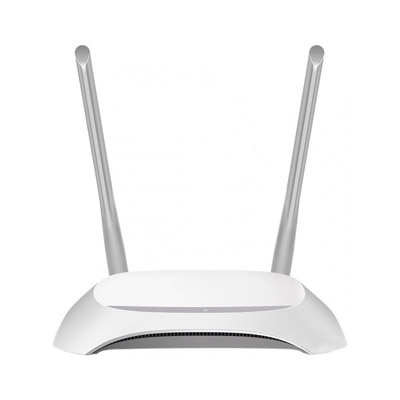
Nobody notices good Wi-Fi. Everybody notices the meeting room where video calls freeze, the corner desk that lives on mobile data, and the warehouse where the scanner drops connection at the worst moment. Office coverage problems have exact, affordable solutions. The trick is picking the right architecture instead of buying a more expensive router and hoping.
A single router is a single lamp: walls, floors, metal shelving and distance all cast shadows. Concrete construction, the norm in Cyprus buildings, absorbs signal aggressively. Past a certain floor area, no router on any shelf reaches every corner at full speed. The answer is never “maximum power”; it is more transmitters, placed correctly.
A mesh system is a team of units that share one network name and hand devices silently between them as people move. Setup is app-guided and expansion is as simple as adding a unit.
Mesh is the right call for: small offices, shops, multi-floor houses used as workplaces, and any space without network cabling. Two or three units blanket most premises, and nobody needs to think about it again.
Its limits: units that talk to each other wirelessly sacrifice some speed doing so, and consumer mesh offers little control for larger deployments.
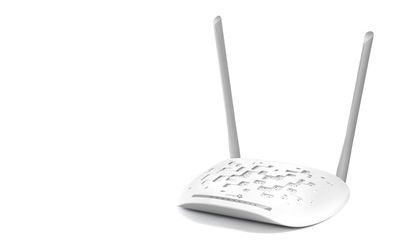
A wired access point receives its signal by cable and spends all of its radio capacity serving devices. Several of them, ceiling-mounted and centrally managed, are how hotels, clinics and serious offices deliver Wi-Fi that simply works, including features that matter in business settings: separate guest networks, VLANs, PoE power over the same cable, and monitoring.
Access points are the right call for: offices beyond a handful of rooms, spaces with many simultaneous users, buildings where cabling exists or can be run, and anywhere a guest network must stay isolated from company systems.
The practical rule: no cabling and modest scale → mesh; cabling and growth plans → access points. Both live in our networking range, with access points and routers filterable by standard and speed.
Will a Wi-Fi repeater solve my dead zone?
Cheaply and partially. Repeaters halve throughput and create handoff quirks. For one stubborn corner at home they are fine; for a workplace, mesh or an access point is the honest fix.
Do I need new internet or new Wi-Fi?
Run a speed test next to the router. If it is fast there and slow at the desks, the problem is coverage, not the line, and no provider upgrade will fix it.
How many access points does an office need?
As a rough guide, one per 80 to 120 m² of typical office space, adjusted for walls and user density. A site survey turns that estimate into a plan.
Is mesh secure enough for a business?
Current systems with WPA3 and a separated guest network cover small business needs well. Where compliance and isolation requirements grow, managed access points offer the control mesh lacks.
Coverage problems are architecture problems: match mesh or access points to your space, wire the static devices, place hardware where physics, not furniture, dictates, and the office Wi-Fi disappears from the complaints list permanently.
No account yet?
Create an Account