


Information Technology
Desktops
Laptops
Tablets
Gaming
Monitors
TVs
Projectors
Memory Products
Refurbished & Used Items
Security Solutions
Cameras
Alarm Systems
DVR Units
POS Solutions
Every business has a data loss story waiting to happen: the laptop that dies with the only copy of the accounts, the ransomware email opened on a Friday afternoon, the ex-employee folder nobody can find. The fix is not heroic. It is a modest box called a NAS, a simple rule called 3-2-1, and one hour of honest planning.
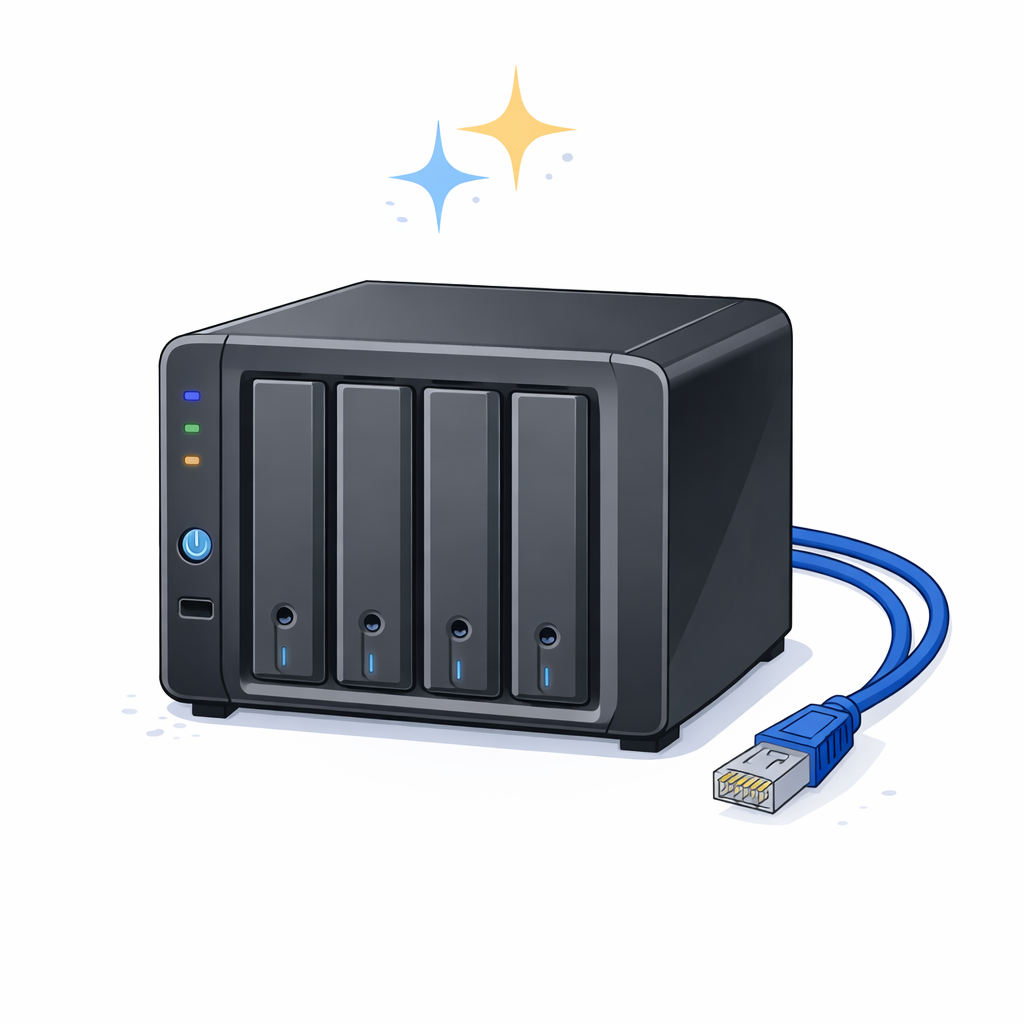
Network attached storage is a small server full of hard drives that lives on your office network. Every computer sees it as a shared drive; every phone and laptop can back up to it; and it keeps working when individual machines fail.
Three properties make it the anchor of small business storage:
RAID redundancy. With two or more drives, the NAS survives a drive failure without losing a byte. A dead disk becomes a part swap, not a disaster.
Central versioning. The NAS keeps previous versions of files. When ransomware encrypts a folder or someone overwrites the price list, you roll back to yesterday.
It works for the whole office at once. One box replaces the pile of USB disks in drawers, each holding an unlabelled, outdated copy of something important.
The industry standard for real protection is short enough to memorise: three copies of your data, on two different types of storage, with one copy off-site.
In a typical small business that means: the working files on computers and the NAS (copies one and two, on different devices), plus an automatic copy leaving the building, either to an encrypted cloud target or to an external drive rotated off the premises (copy three).
The off-site copy is the one businesses skip, and it is the one that saves you from fire, theft and ransomware that encrypts everything it can reach on the network, including the NAS itself.
Drive bays decide the ceiling. A two-bay NAS mirrors two drives and suits most offices up to ten people. Four bays add capacity and let RAID survive a failure while still growing.
Buy NAS-grade drives. Desktop drives are rated for hours of daily use; NAS drives are rated for continuous operation. The price difference is small and the reliability difference is the whole point.
Plan for three years of growth. Estimate current data, double it, and round up. Storage always fills faster than projected, and swapping drives later costs more than buying one size up now.
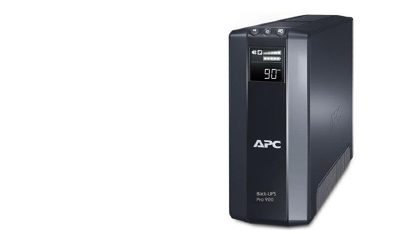
Put the NAS on a UPS. A power cut during a write is one of the few ways to corrupt a RAID volume. A small UPS lets the NAS shut down cleanly and turns Cyprus power cuts into a non-event.
Is cloud storage alone enough?
Sync services protect against a lost laptop, not against ransomware or deletion, which they cheerfully replicate. Cloud plus a local NAS with versioning covers both directions.
NAS or an external hard drive?
An external drive is a fine third copy and a poor only copy: single disk, no redundancy, usually plugged into the machine it is supposed to protect. The NAS is the working layer; the external drive is the satellite.
How much does a proper setup cost?
A two-bay NAS with mirrored drives and a small UPS lands in the range of a single office laptop. Compare that with one day of the business not operating.
Can the NAS do more than backup?
Yes: shared folders, camera recording, media libraries and private file sync. Treat those as bonuses; protection stays the primary job.
One NAS with mirrored drives, automated nightly backups, an off-site copy and a quarterly restore test: that is the whole strategy. It fits a small business budget, and it turns the worst IT day imaginable into an inconvenient afternoon.
No account yet?
Create an Account