



Information Technology
Desktops
Laptops
Tablets
Gaming
Monitors
TVs
Projectors
Memory Products
Refurbished & Used Items
Security Solutions
Cameras
Alarm Systems
DVR Units
POS Solutions
Half the meetings in any modern office include someone who is not in the room. That makes the room’s audio and video part of the infrastructure, not a nice extra. The good news: equipping a room properly is now mostly a matter of picking one device that fits the room size, instead of wiring together cameras, microphones and processors like a broadcast studio.
The most common mistake is buying one mid-range device for every room. A boardroom kit is wasted in a phone booth, and a small huddle bar drowns in a boardroom. Rooms group naturally into four sizes, and each has a correct answer.
A small space needs exactly two things: a camera wide enough to frame people sitting close, and a microphone that does not pick up the corridor.
The answer is a compact all-in-one video bar under the screen: camera, microphones and speaker in one device, one USB cable to whichever laptop hosts the call. Auto-framing keeps everyone in shot without anyone touching anything.
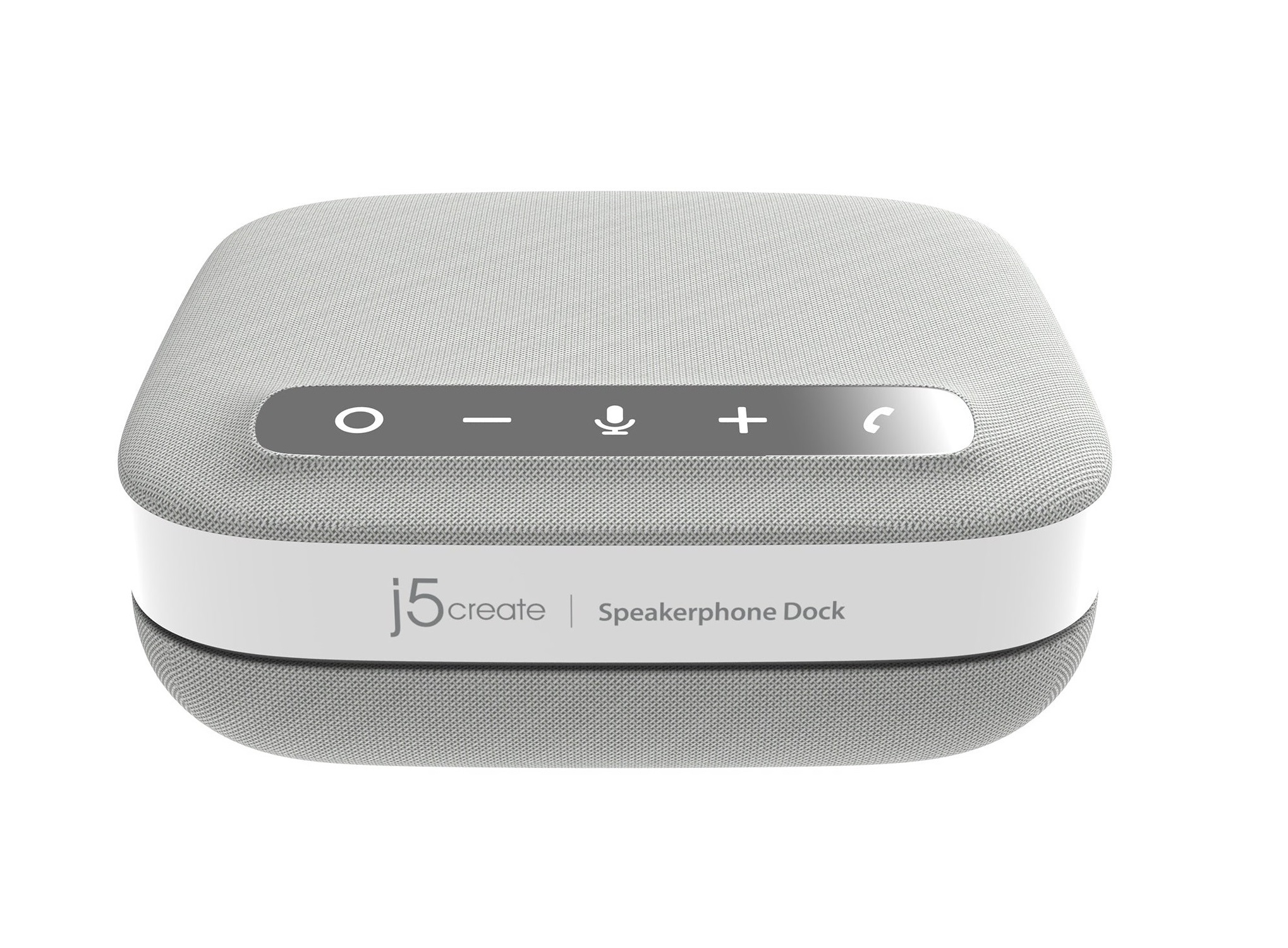
For desk-based video calls, a personal speakerphone does the same job for one person: far better pickup than laptop microphones, and it moves between desk, car and home office.
This is where most meetings happen and where quality pays off daily.
A mid-size video bar with a wider lens and stronger speakers covers the room, and a wireless or wired expansion microphone on the table reaches the far seats. Look for speaker tracking, where the camera frames whoever is talking: remote participants stop watching a wide shot of eight small heads.
Rooms that standardise on Microsoft Teams or Zoom can run a dedicated room system: the video bar plus a touch console on the table, so meetings start with one tap instead of five minutes of cable roulette.
Large rooms outgrow single devices. The working combination is a video bar or PTZ camera matched to ceiling or tabletop microphone arrays, so every seat is heard without a microphone forest on the table. This is also where an interactive display earns its place: whiteboarding that remote participants actually see, annotation over shared documents, and video calling built into the screen itself.
A proper monitor or display sized to the room depth matters more than people expect: text that is readable from the last seat is a spec, not a luxury.
The full conferencing range covers every tier, from portable speakerphones to complete room systems, alongside the wider telephone solutions catalogue.
Do we need a dedicated room PC?
Only for one-touch room systems. Bring-your-own-device rooms work fine with a video bar and a USB cable, and cost significantly less.
Will one video bar cover our biggest room?
Check the stated room size rating and believe it. Manufacturers rate bars honestly because an undersized bar generates support calls.
What about hybrid whiteboarding?
An interactive display is the clean answer. A camera pointed at a physical whiteboard is the budget answer, and remote viewers will tell you the difference immediately.
Teams, Zoom or both?
Most modern devices are certified for both and switch modes. If the company lives in one platform, a certified one-touch system removes daily friction.
Classify every room into one of the four sizes, give each its correct device tier, and enforce the one-cable rule. Equipment chosen this way disappears into the furniture, which is exactly what good meeting technology should do.
No account yet?
Create an Account